View and Download
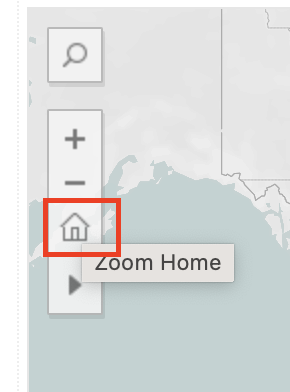
You can zoom in and out using your mouse or trackpad. If you want to go back to the default view at a certain point, just click on the home icon on the left pane, which will show up when you hover your mouse over the left side of the map.
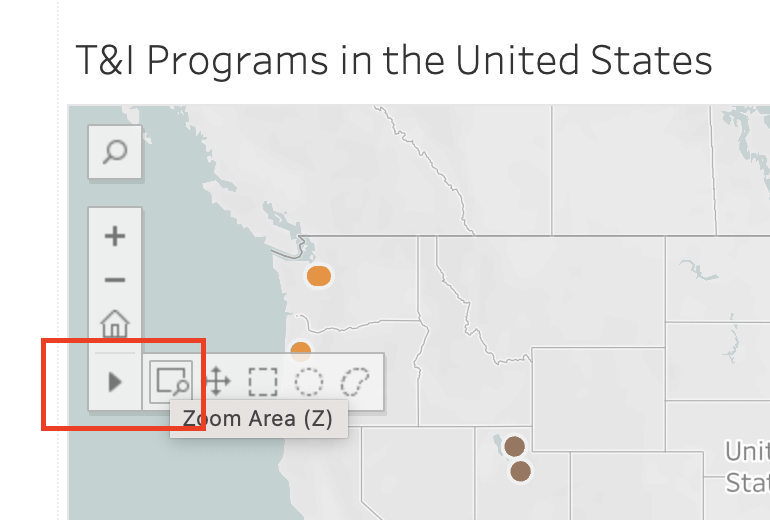
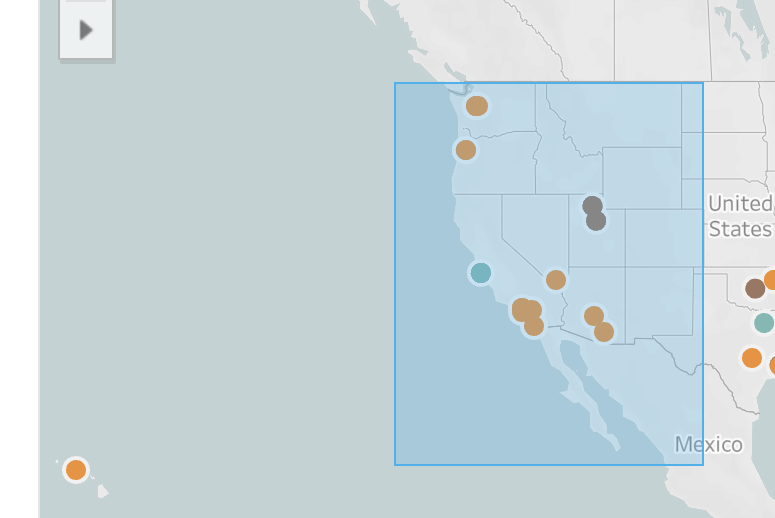
Use the Zoom Area tool to specify an area to look at:
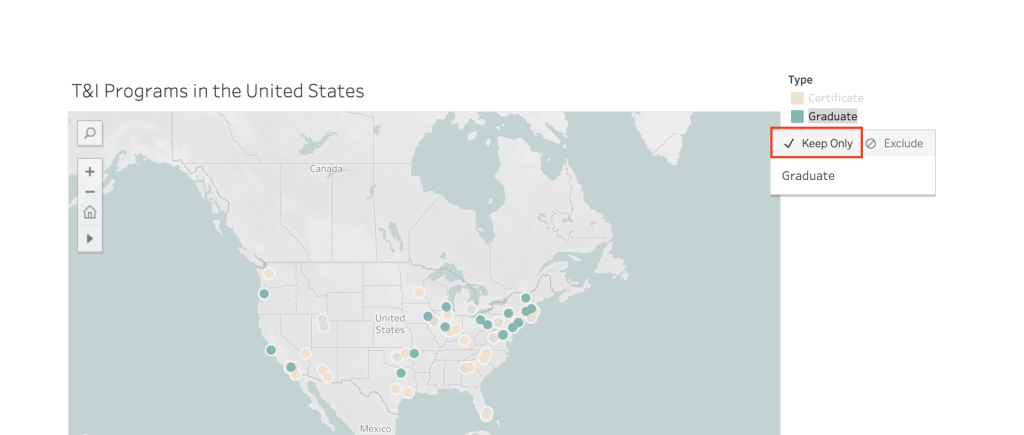
If you only want to see a specific type of program, such as Graduate, then click on the Graduate type on the map legend. If you want to download that data later on, choose “Keep Only” so that the downloaded data will be about that specific program type only.
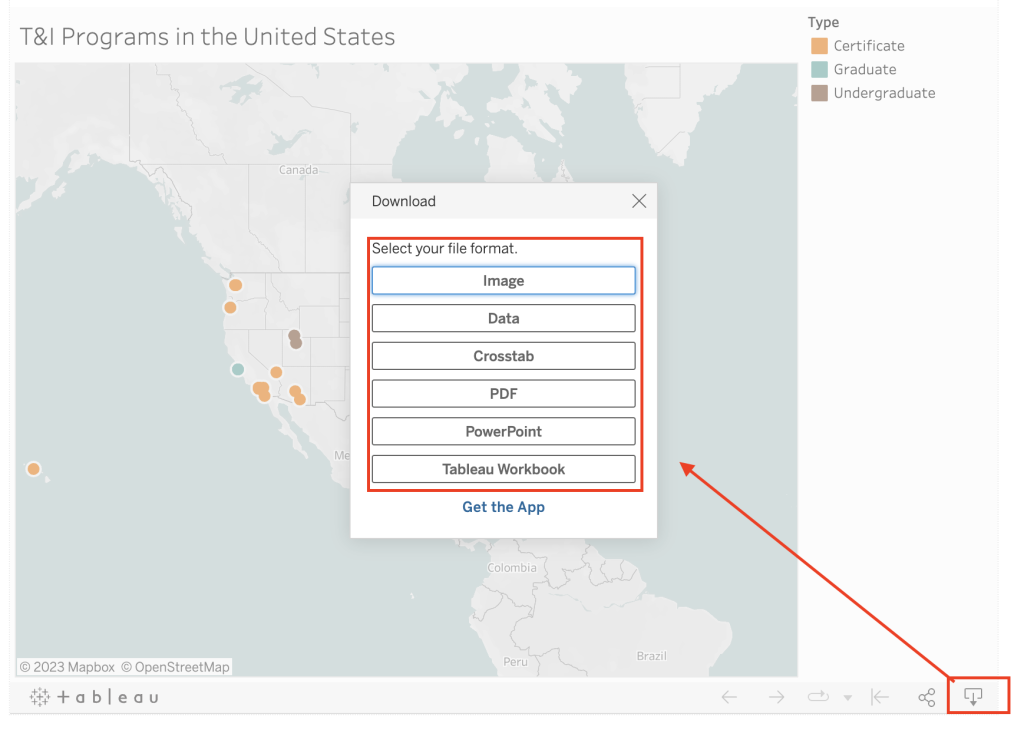
To download the T&I Programs data, find the download button at the bottom right corner and select the format you want for export. If you want a spreadsheet, choose Data, and you get a csv file.